How to Create a Viral “Dhurandhar” Movie Entry Style Video for Free (Step-by-Step Guide)
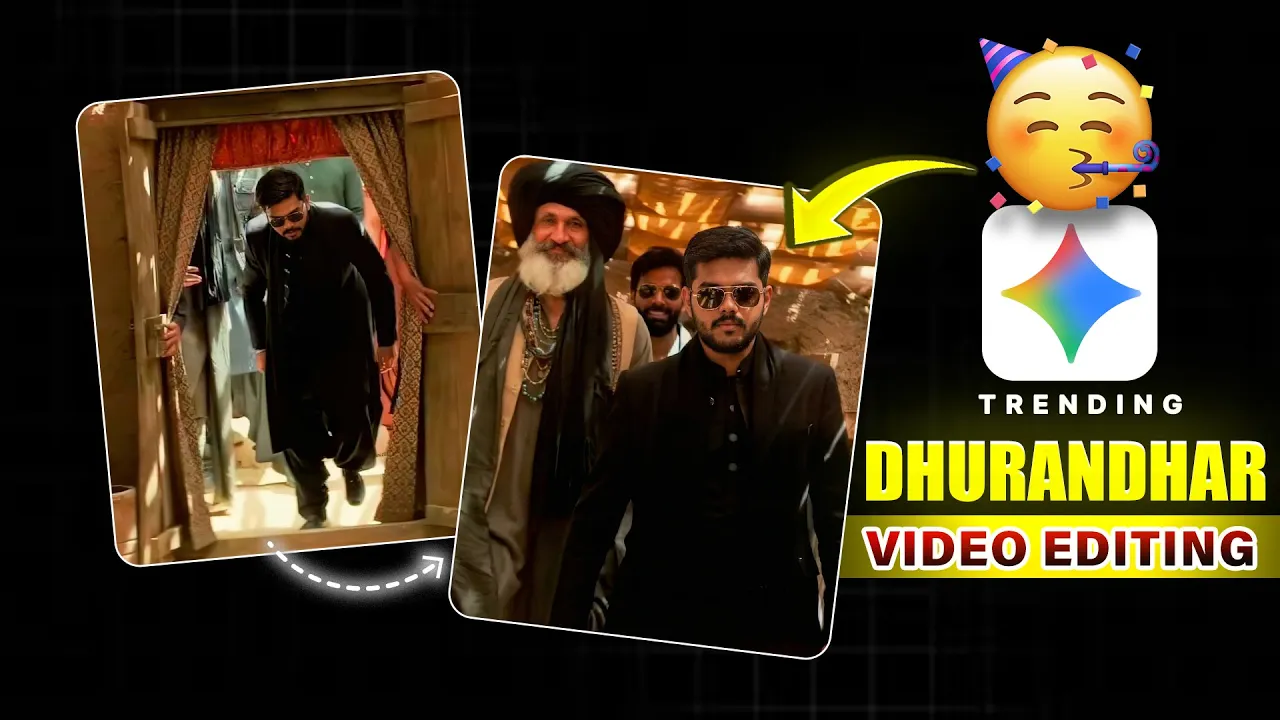
So guys, in today’s video I’m going to show you how you can create a viral Dhurandhar movie-style entry video completely free of cost. This exact entry style is trending heavily on Instagram Reels, and the good news is—you can recreate it easily using AI tools. But before we start, don’t forget to like the video 😉 viral clip
What You’ll Need Before Starting
- 9 reference images from the Dhurandhar movie
- Your own clear photo (front-facing works best)
- Google Gemini app
- Google Flow AI website
- Any video editing app (CapCut, VN Editor, or Instagram Edits)
You’ll find all reference image links and prompts mentioned in the video description, so make sure to download them first.
Step 1: Generate Dhurandhar-Style Images Using Google Gemini
First of all, open the Google Gemini app on your phone.
- Select the image generation / nano model option.
- Upload Reference Image 1 from the Dhurandhar movie.
- Upload your own image.
- Paste the provided AI prompt.
- Tap on Generate.
As soon as you tap generate, your Scene 1 image will be created. Just like this, there are total 9 scenes. Generate all 9 images one by one using the different prompts provided.
If at any point the face doesn’t match properly, don’t worry—just regenerate the image two or three times and you’ll get a perfect result.
👉 Official link:
Google Gemini
Step 2: Convert Images into Cinematic Video Using Google Flow AI
Once all 9 images are ready, open your browser and search for Google Flow AI.
- Open the website and tap on New Project.
- Select Frame-to-Video.
- Upload Image 1 in the first frame.
- Upload Image 2 in the second frame.
- Paste the secret prompt provided in the description.
- Click on Generate.
Within moments, your iconic movie-style entry scene will be ready. This is where the magic really happens.
Now repeat the same process:
- Frame 1 → Image 2
- Frame 2 → Image 3
- Paste the new secret prompt
Keep following the same steps for all scenes. Each scene has a different prompt, so make sure you use the correct one. This way, all your cinematic clips will be generated one by one.
👉 Learn more here:
Google AI Tools
Step 3: Edit All Clips Together
Now it’s time to combine everything.
You can use any editing software you’re comfortable with, such as:
Add all your generated clips one by one in the correct sequence, adjust timing if needed, and then export the final video.
Step 4: Upload on Instagram with Trending Music
After exporting:
- Open Instagram.
- Create a new Reel.
- Search for the trending Dhurandhar-style music (as shown on screen in the video).
- Select the audio and upload your video.
And that’s it! Your viral Dhurandhar entry-style reel is now ready and optimized for maximum reach 🚀
Final Tip
By the way, if you create a reel using this method, don’t forget to tag me on Instagram. My username is mentioned in the video—I’ll definitely like your reel!
Try it today and jump on this trending AI reel format before it gets overused.